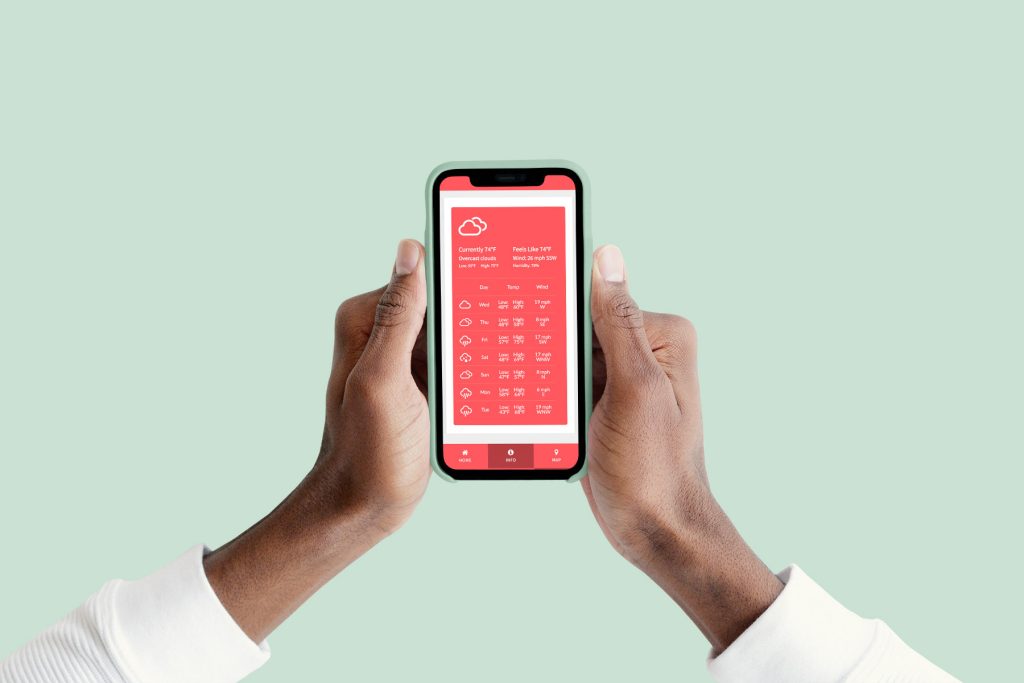
You asked, we delivered!
We’re thrilled to introduce two new amazing features to our digital guidebooks: Automatic Language Translations & Automatic Local Weather.
Adding features without raising prices is a core belief at GoGuidebook. We’re trying to make our product better each and every day and we hope that’s reflected in our feature rollouts.
Today we’re excited to introduce these two new features available to all current and new subscribers. We’ll take a deeper dive into both and explain the features, options, and how to set them up.
Automatic Language Translations (Multilingual)
This was our most requested feature of 2023 and for good reason. We cater to a global audience, travel is a global industry, we needed to cater to people speaking all different languages. Now we do.
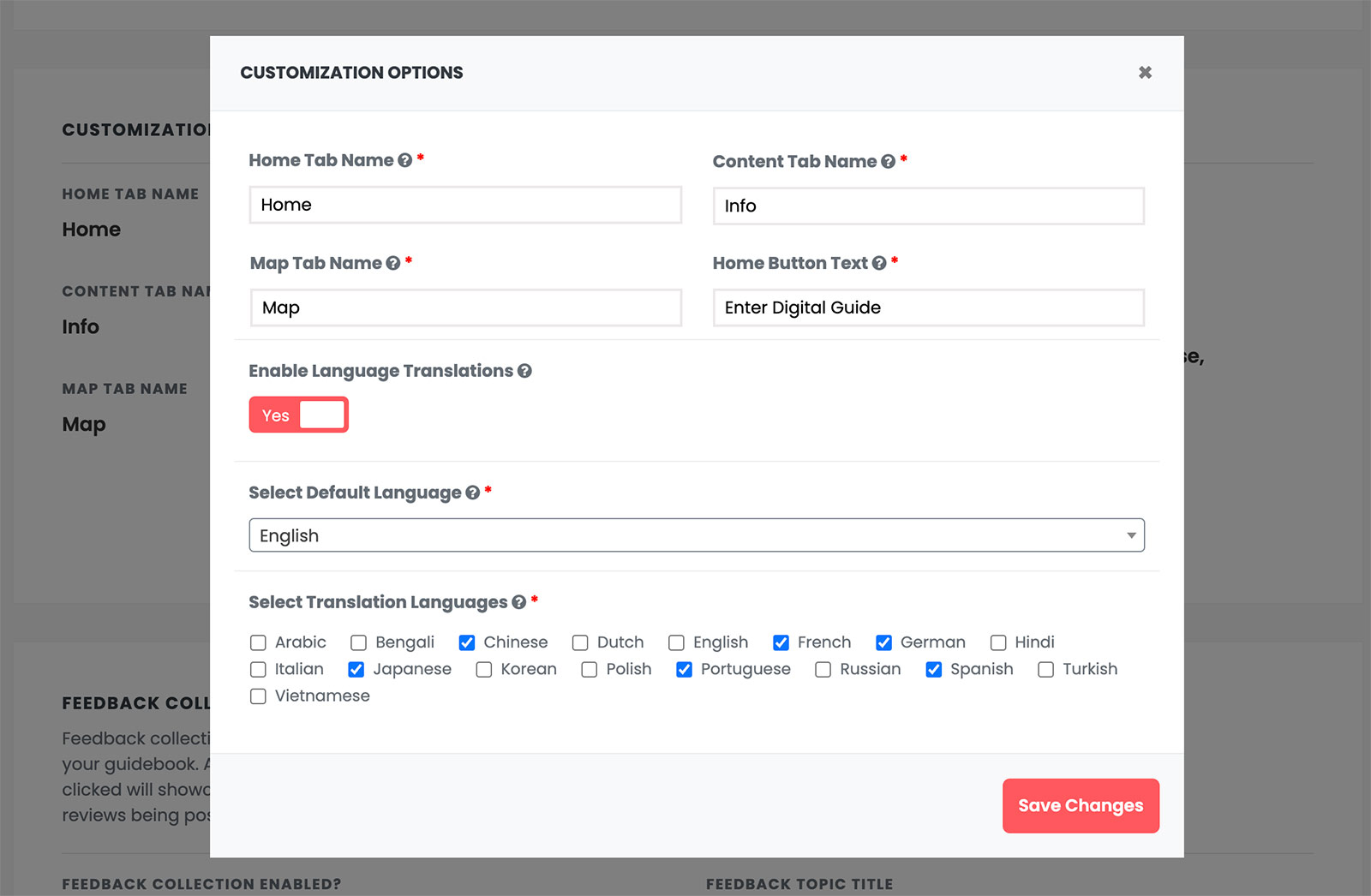
Enabling our automatic language translator takes less than 30 seconds to do. Under the settings for a specific guidebook, you toggle on the ‘Enable Language Translations’ toggle. Then you can select your default language as well as tick each checkbox next to the languages you want to enable translations for. That’s it!
Our system, leveraging Google & Bing Translate, will place a dropdown on the front end of your guidebook that allows each visitor to select a language of their choice. If the visitor changes the language, the entire guidebook will instantly adapt to their selection.
If you make updates to your guidebook, add new topics, etc. the translations instantly happen as well. No manual updates or maintenance.
Automatic Local Weather Widget
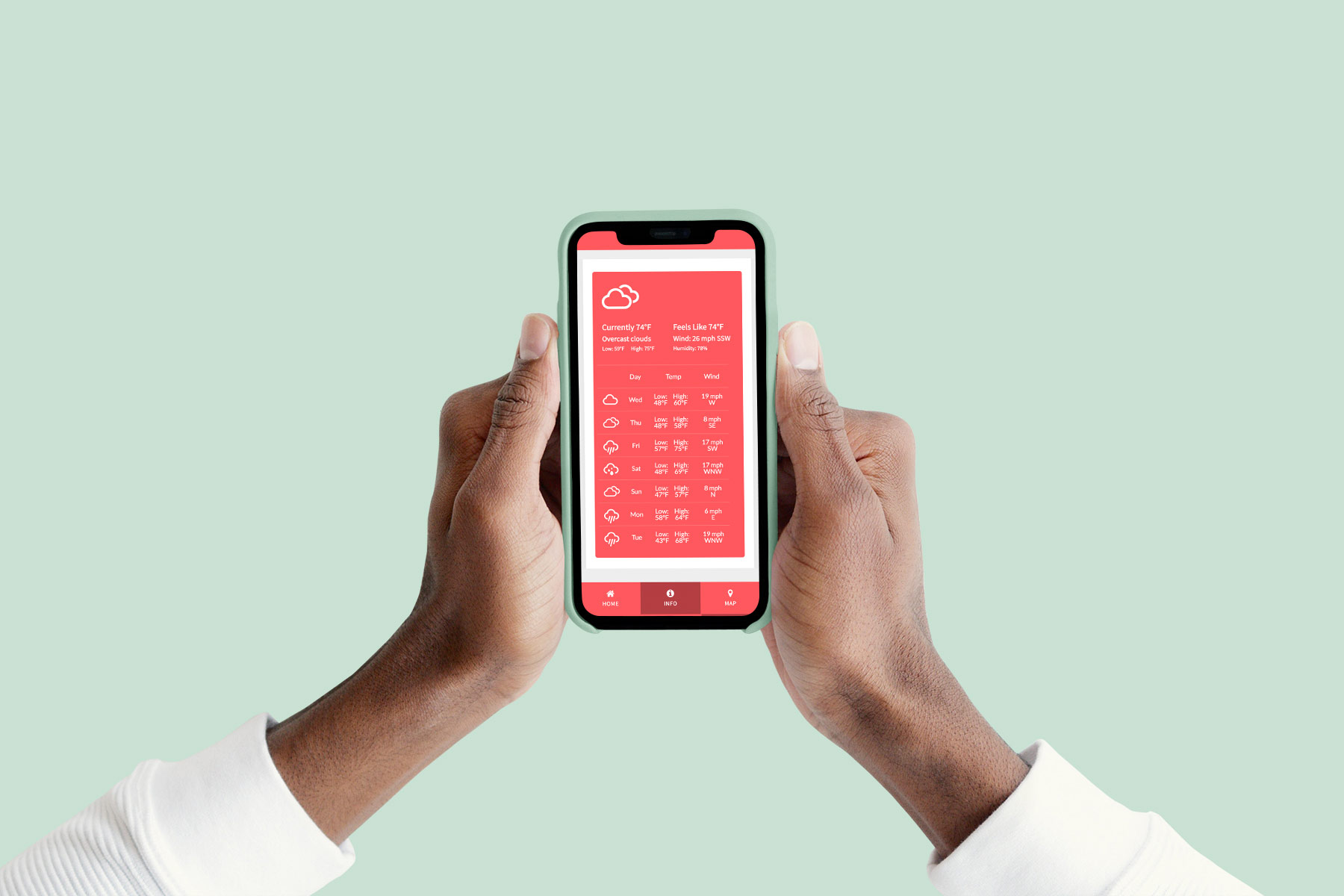
Another huge request from our current subscribers was an automatic local weather widget. You can now add the Local Weather Widget by simply adding a new topic and selecting ‘Weather Widget’.
Our weather widget gives you a few options such as your temperature scale preference (Fahrenheit vs Celcius) as well as your preferred MPH vs KPH for wind speed.
From there, our system does the rest using the address of your guidebook. We pull in our weather forecast from a leading third-party which auto-updates every 10 minutes. Our weather widget pulls in current temperature, humidity, wind direction, wind speed as well as forecasted weather over the next seven days.
We know how important weather can be for guests or attendees planning their trip. Now they have this data in the palm of their hands directly within your guidebook.
Please Enjoy!
We hope you enjoy these new features and plan to integrate them into your guidebook(s). One thing we love about this feature release is it takes minutes for you to implement and requires zero updates or time to maintain. That’s immediate value for your digital guidebook readers without any extra effort on your part.